How to Earn From Your Local AI Model With Antseed

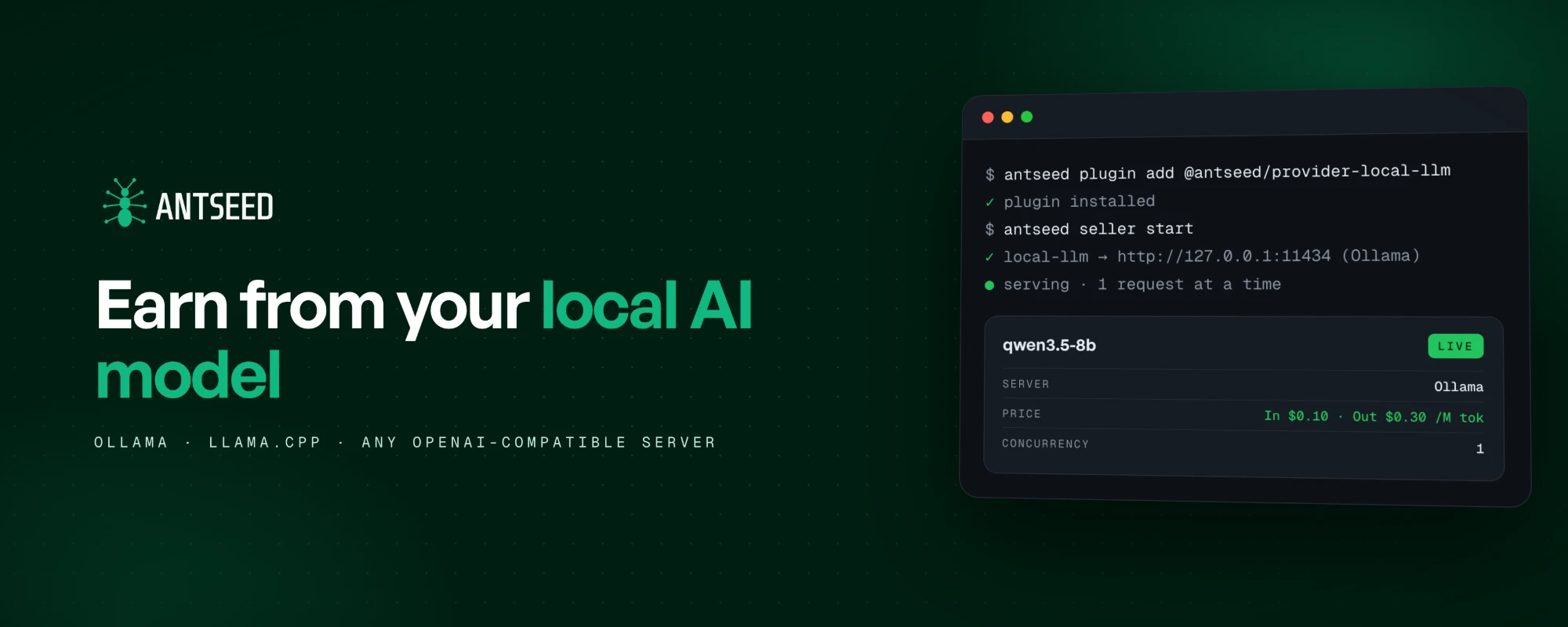
If you run an AI model on your own hardware using Ollama, llama.cpp, or another server with an OpenAI-compatible API, you can connect it to Antseed and offer access to other people.
Antseed's local LLM plugin connects your running model to the network, where you can offer it to buyers and set a price for usage. Your machine handles the inference, and you decide which models to make available and how many requests to serve at once.
From a local model to an external request
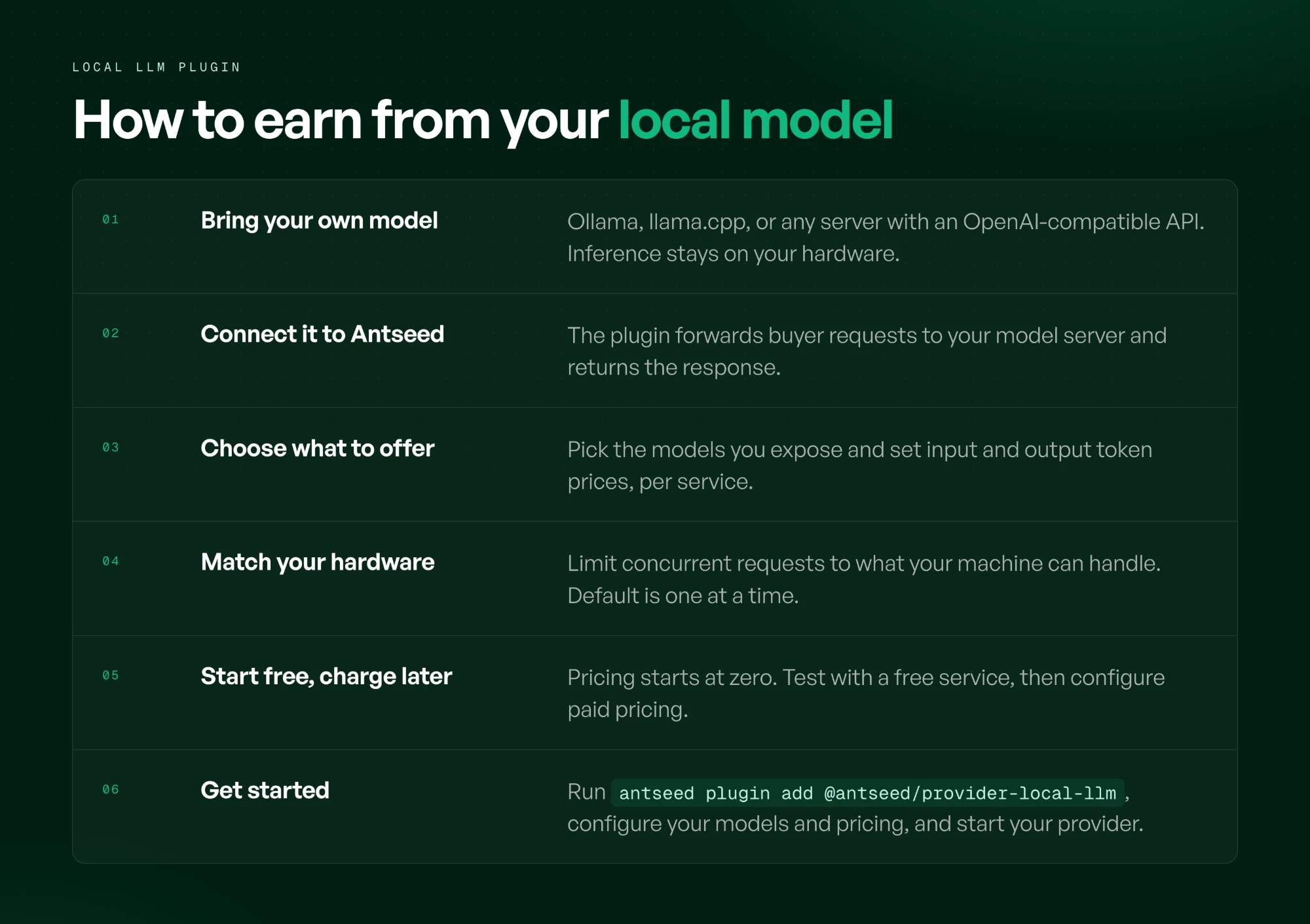
The plugin connects to your existing local model server. When a buyer sends a request through Antseed, the plugin forwards it to that server and returns the response.
See it in action on X →
You keep running the model on your own hardware. Antseed provides the network through which buyers discover providers and send requests.
You need a working model server before connecting it. The plugin uses the OpenAI Chat Completions API format, which Ollama and llama.cpp support.
What could you offer?
Maybe you've fine-tuned a model for a particular task. Maybe you've found a setup that handles document extraction, classification, or a specific language well. Those are potential reasons for someone to use your service, provided it delivers the quality and reliability they need.
For example, a developer with a recurring extraction workload could try your model, evaluate its responses, and keep using it if the results and price work for their application.
That's the opportunity we see: developers making the models and configurations they've built useful to people beyond their own machines.
You choose what to offer
The local LLM plugin lets you select the models you expose, configure input and output token prices, and set different prices for different services.
You can also limit concurrent requests to match what your hardware can handle. The default is one request at a time.
Pricing starts at zero, so you can begin with a free service while testing your setup. If you want to charge, you need to configure paid pricing.
What you earn will depend on demand, pricing, and the cost of keeping your service available. A good first milestone is getting another person to use your model successfully and finding out whether they want to use it again.
Get started
With your local model server running and the Antseed CLI installed, add the provider plugin:
antseed plugin add @antseed/provider-local-llm
Then configure the models you want to offer, choose your pricing, and start your provider.
The local LLM setup guide includes configuration examples for Ollama and custom endpoints.
If you already run a local model and are interested in offering it, we'd love to hear from you!