Deploy Your Own Antseed Gateway

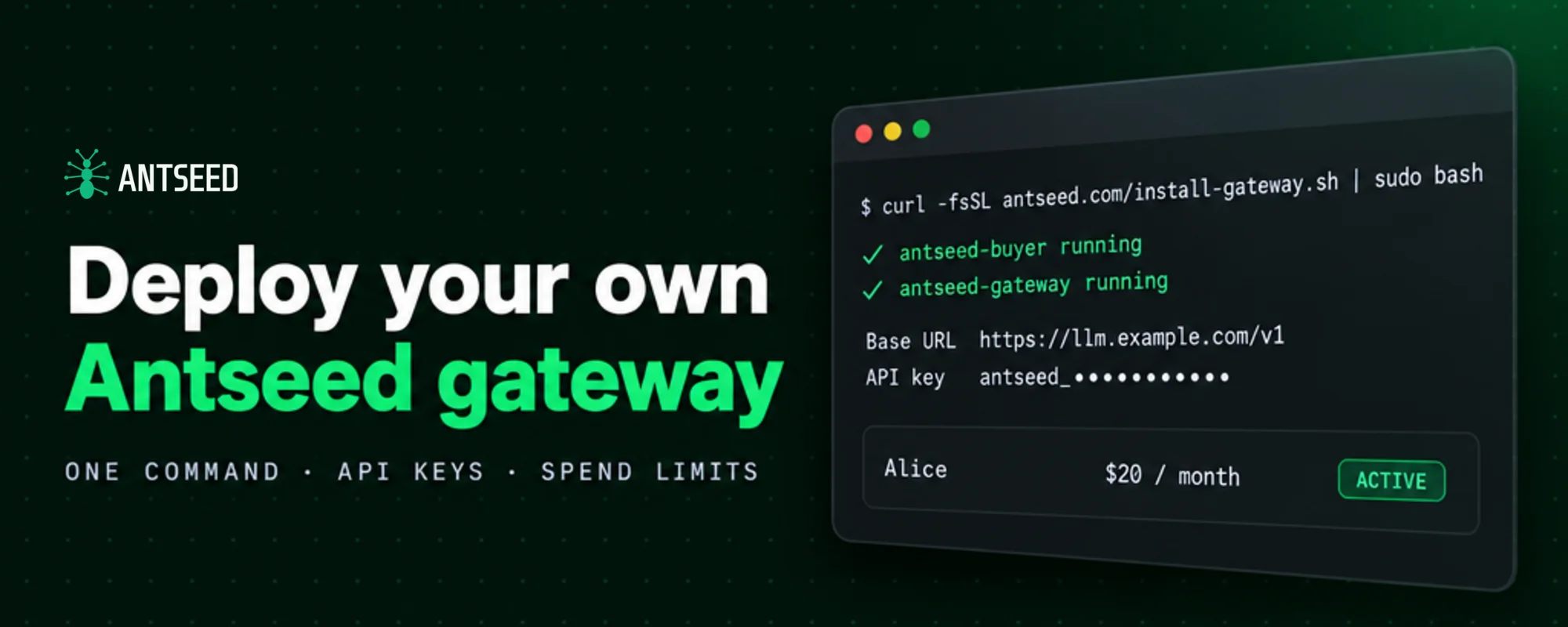
You can now run your own Antseed gateway: an OpenAI-compatible API endpoint, on your own server, that many people can use at once.
Each person or app gets their own API key, with its own usage history and optional spend limits. Each key can pay from your wallet or from a wallet of its own. All of it runs through one Antseed buyer.
Use it to give your team access under one budget, hand a friend a key without handing over your balance, or offer Antseed access to the people who use your product.
Deploy it with one command
On a Linux server, one command installs the Antseed buyer and the gateway as services that restart on failure and start on boot. It sets up HTTPS on your own domain and creates your first key:
curl -fsSL --proto '=https' --tlsv1.2 https://antseed.com/install-gateway.sh | sudo bash -s -- --domain llm.example.com
When it finishes, it prints your base URL, such as https://llm.example.com/v1, the first API key, and the wallet address to fund for paid models. Point the DNS record at the server first; the installer gets a TLS certificate for the domain automatically.
No domain? The installer can publish the gateway through a Cloudflare Tunnel instead, with no open ports, or keep it private to the server. Run a Gateway on a Server covers the options.
A key for everyone you share with
Create a key, give it to someone, and they use it like any other OpenAI-compatible API key:
antseed gateway key create --label "Alice" --monthly-limit 20
The secret is printed once. Only a hash of it is stored.
Every key works with the routes described in Using the API, sent as Authorization: Bearer <key>. All keys run through a single antseed buyer start, so you don't need a separate buyer for each person.
You can list your keys, see requests, tokens and spend for each one, change limits, and revoke a key at any time. Changes apply immediately, even while the gateway is running.
Spend limits that count what was actually paid
Each key can have a daily, monthly, and lifetime limit in USD, and an expiry date.
Limits count the USDC actually paid to providers for that key's requests, not an estimate. Because the exact cost is only known once the provider is paid, the gateway reserves your buyer's per-request maximum while a request is in flight. A burst of parallel requests can't all slip under a cap, though a key can still go over its limit by roughly one request.
When a key reaches a limit, it gets a 402 with spend_limit_reached and the time the limit resets. If the gateway can't count spend for a capped key, it stops serving that key rather than letting requests through uncounted.
Key holders can check their own usage and remaining limits at GET /v1/key. They don't need to ask you.
A separate wallet when you want one
A key can pay from your default wallet, or from its own. Antseed calls these wallets buyer identities.
antseed gateway key create --label "Bob" --new-identity --monthly-limit 10
Every identity runs through the same buyer and shares its peer discovery, routing, and chain connections. Providers still see each one as a separate buyer, with its own connections, payment channels, and deposits. One person's spending never touches another's balance.
To fund an identity, send USDC on Base to its wallet address. While the buyer runs, incoming USDC is deposited into that identity's credits automatically.
If you'd rather not keep private keys on disk, an identity can read its key from an environment variable or a file mounted by your secret manager. This is also how you bring an existing wallet as an identity.
Running AI for a team
Fund one buyer and give each teammate or service a key. Set a monthly limit per person, an expiry for contractors, and check spend per key when you need to know where the budget went.
If a team needs its own budget, give its keys a shared identity:
antseed buyer identity create team-a
antseed gateway key create --label "Design" --identity team-a --monthly-limit 50
The gateway sets the paying identity from the key itself. A client can't switch to a different wallet by sending its own header.
Sharing with friends
A friend who wants to try Antseed doesn't have to install anything. Create a key with --new-identity, a lifetime limit, and an expiry, and send them the key and your gateway's address.
Their requests use their own wallet, so you can see exactly what they've used, and when you're done, you revoke the key.
Letting key holders pay for themselves
A key with its own identity can accept top-ups. The key holder pays with x402, and the USDC goes straight to that key's wallet. The running buyer deposits it into the key's credits, usually within a minute.
antseed gateway key create --label "Customer 42" --new-identity --allow-topup
Top-ups are off by default. You turn them on per key, and you choose the x402 facilitator that settles the payment, such as Coinbase CDP or PayAI. Keys that pay from your default wallet can't be topped up.
The flow is standard x402 v2 over HTTP, so x402 client libraries handle it. The key holder asks to top up an amount, gets a 402 with the payment details, signs, and sends the request again. The top-up shows up in their usage at GET /v1/key.
This lets you put Antseed behind your own product: issue a key per user, let each user fund their own wallet, and serve them all from one buyer. The gateway doesn't add a margin on top of provider prices today. A key holder pays what providers charge.
Run it on your own machine
You don't need a server to try it. Start your buyer, or the AI VPN, then run the gateway in front of it:
antseed gateway key create --label "My first key" --new-identity --monthly-limit 10
antseed gateway start                  # http://127.0.0.1:8379/v1
antseed gateway start --host 0.0.0.0   # serve other machines on your network
To reach people outside your network from your own machine, use a public HTTPS tunnel. antseed tunnel start runs the same gateway behind Cloudflare Tunnel or ngrok, and every active key works through it.
Get started
Deploy a gateway on a server with the installer, or run one locally with the Antseed CLI. Then point any OpenAI-compatible client at your gateway's base URL with one of your keys.
The Shared Gateway API Keys guide covers limits, identities, top-ups, and where the gateway stores its data.